Deploying a Stableswap Pool
The Stableswap pool creation is appropriate for assets expected to hold a price peg very close to each other, like a pair of dollarcoins. The creation wizard will guide you through the process of creating a pool, but if you have questions throughout you are encouraged to speak with a member of the Curve team in the Telegram or Discord.
Stableswap pools are liquidity pools containing up to eight tokens using the StableSwap algorithm. For a better understanding of StableSwap, please see here: Understanding Curve Pools.
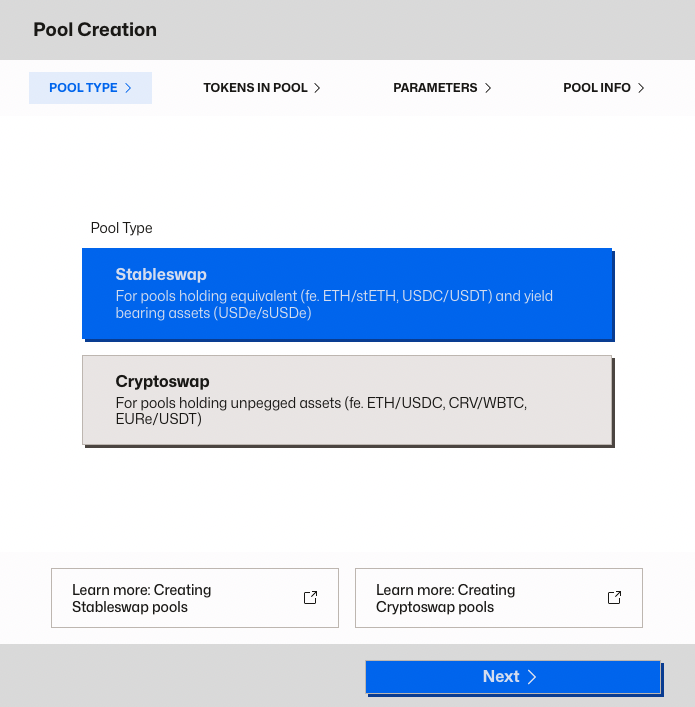
Step 1: Choose Pool Type
Make sure your wallet is connected (top right corner) and your network is set to the chain where you want to deploy the pool. Curve supports pool deployment on all networks where Curve is live — just switch chains in your wallet, and the UI will follow automatically.
Select Stableswap as the pool type. This is used for assets that should maintain the same value — such as stablecoins (USDC, DAI, USDT), liquid staking tokens (ETH/stETH), or yield-bearing versions of pegged assets.
Step 2: Select Tokens
In this step, you'll define which assets your pool will support. The interface allows you to choose between two and eight tokens, with support for standard ERC-20s, tokens using oracles, rebasing assets, and ERC‑4626 vault tokens.
To add a metapool, simply tick on "View Metapools" when selecting a the token and choose one of the metapools from that list.
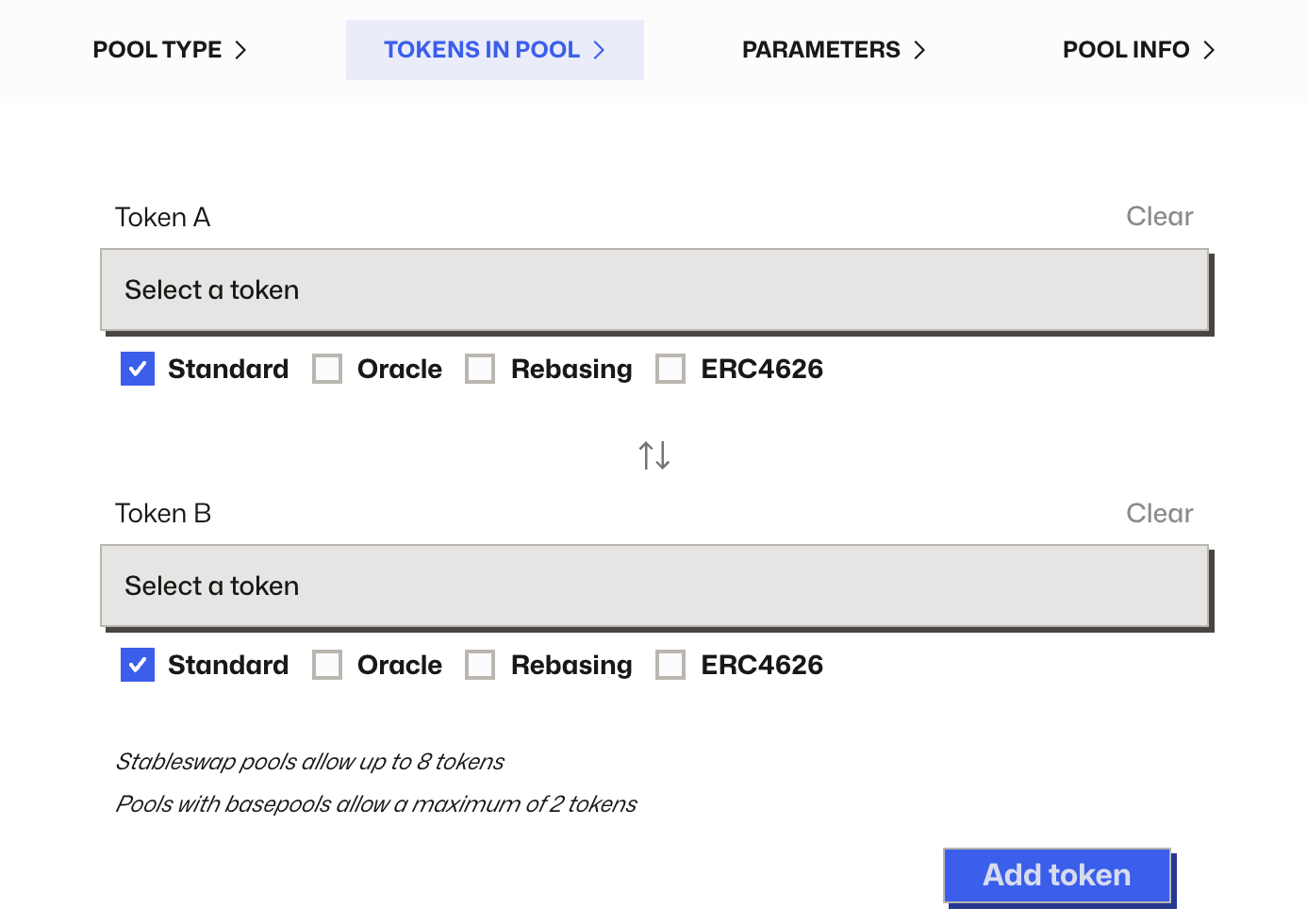
For the AMM to function correctly, the appropriate asset type needs to be chosen when selecting the assets. The following asset types are supported:
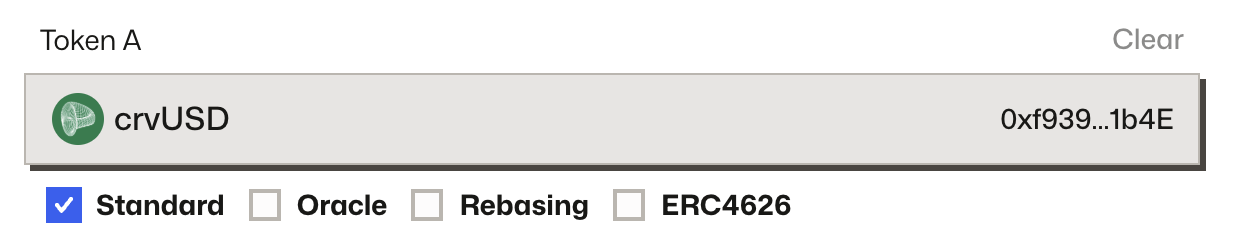
Standard (ERC‑20)
For most ERC‑20 tokens, no additional configuration is needed. Simply select the token and leave all type boxes unchecked.
Curve contracts cannot detect malicious or non‑standard ERC‑20 behavior. Double-check that tokens do not charge transfer fees or use reentrancy tricks.
Oracle-Based Tokens
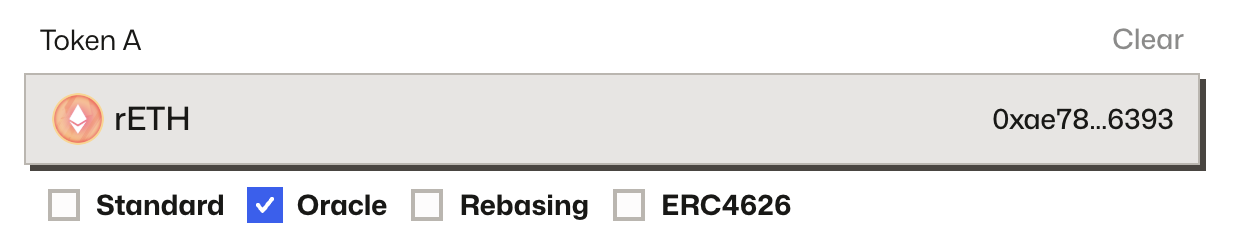
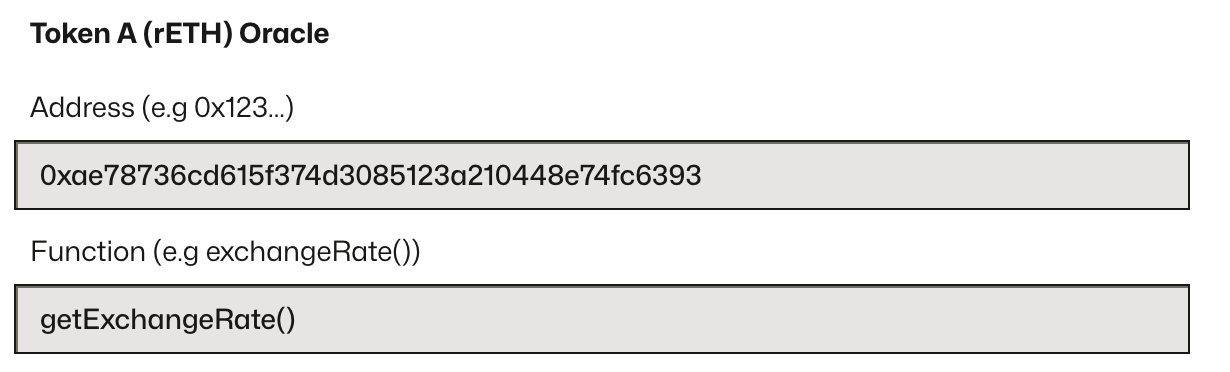
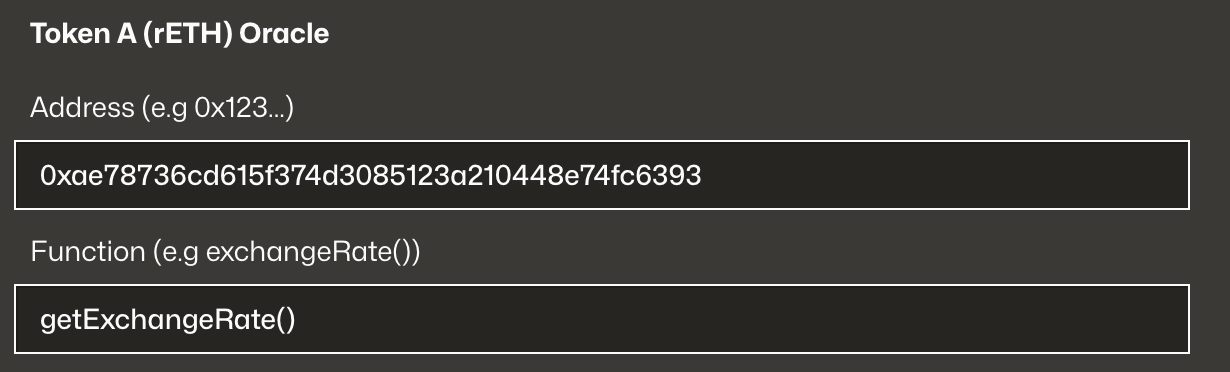
Check the Oracle box if a token requires an external rate feed to track its value relative to the other assets in the pool. You'll be asked to enter:
- The oracle contract address
- The function name used to return the rate (e.g.
stEthPerToken(),getExchangeRate())
This is appropriate for yield-bearing tokens like wstETH or rETH — tokens whose value accumulates over time relative to their underlying asset, and which are not ERC-4626 vaults.
What Kind of Oracle Is Required
The oracle must be a redemption rate oracle — sometimes called a NAV (Net Asset Value) oracle. It must return the value of one token expressed in terms of the pool's base asset, with 18-decimal precision.
This is not a market price oracle (like a Chainlink ETH/USD price feed). It is an exchange rate that reflects what you would actually receive if you redeemed the token for its underlying asset.
For example:
- In a WETH/wstETH pool: the oracle returns how much ETH each wstETH is worth (e.g.
1.18e18, meaning 1 wstETH = 1.18 ETH), usingstEthPerToken()on the wstETH contract itself - In a USDC/sUSDe pool: the oracle returns how many USDC each sUSDe is worth as it accrues yield
Up-Only Requirement
The oracle value must only ever increase. This is the most critical property for a safe Stableswap oracle.
When the pool is deployed, its liquidity is centered around the oracle rate. As the rate rises over time (reflecting accrued yield), the pool's center of liquidity shifts upward accordingly — this is the intended behavior.
If the oracle can return a lower value than a previous call:
- It tells the pool that the token has lost value, instantly shifting the center of liquidity downward
- LPs are forced to sell the appreciating asset at a discount — a guaranteed loss
- It creates a direct manipulation vector: anyone who can push the oracle down can sandwich the update and drain LP value
Redemption rates for legitimate yield-bearing assets (staking rewards, lending interest) are strictly non-decreasing by design. If your oracle can ever decrease, do not use it in a Stableswap pool.
Rate Limit Rule (2× Fee Sandwich Protection)
Even a correct redemption rate oracle is dangerous if it updates too fast. When the oracle shifts the pool's internal rate, that shift happens instantly on-chain. If the shift is larger than the pool fee, an attacker can sandwich the update and extract value from LPs:
- Front-run: Buy the token before the oracle update
- Oracle update executes: Pool's rate shifts up
- Back-run: Sell the token at the new higher internal rate for a guaranteed profit
To prevent this, the oracle must never update by more than 2× the pool fee per block:
For example, with a 0.04% pool fee, the oracle must not shift by more than 0.08% in a single block. If the underlying asset accrues faster than this (unlikely for most LSTs but possible for other assets), the oracle contract must apply rate smoothing — capping the per-block change to stay within this bound. See The Oracle Sandwich for the full explanation.
What to Avoid
- Never use a spot price from any DeFi pool — these are trivially manipulable via flash loans
- Never use withdrawal simulations like
calc_withdraw_one_coin()or any balance-based calculation — these are manipulable - Never use spot token balances to derive value
- Never use an oracle that can decrease — the value must be strictly non-decreasing
- Avoid oracles derived from low-liquidity markets — never use a price source backed by less value than the Curve pool itself
- The oracle function must return a value with 1e18 precision (18 decimals)
- Oracles may be externally controlled (e.g. by a multisig or EOA) — verify who controls it and whether they can update it arbitrarily
Swiss Stake, the service provider developing Curve's technology, offers consulting services to guide protocols and asset issuers in the design and integration of price feed oracles for StableSwap liquidity pools. Additionally, Swiss Stake provides thorough audits of client-implemented oracle solutions to ensure correctness and security. Inquiries: inquiries@curve.finance.
Rebasing Tokens
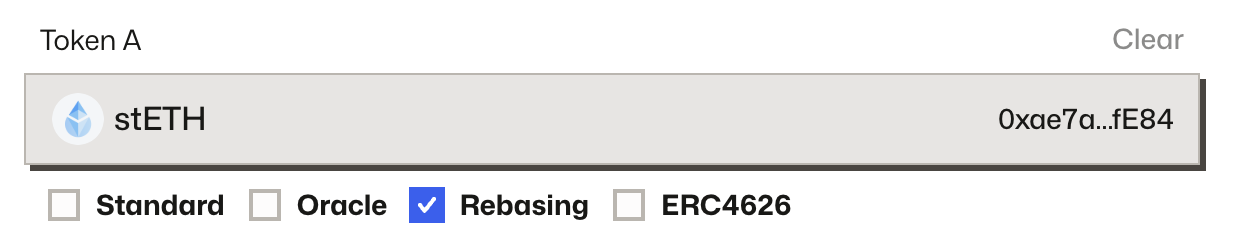
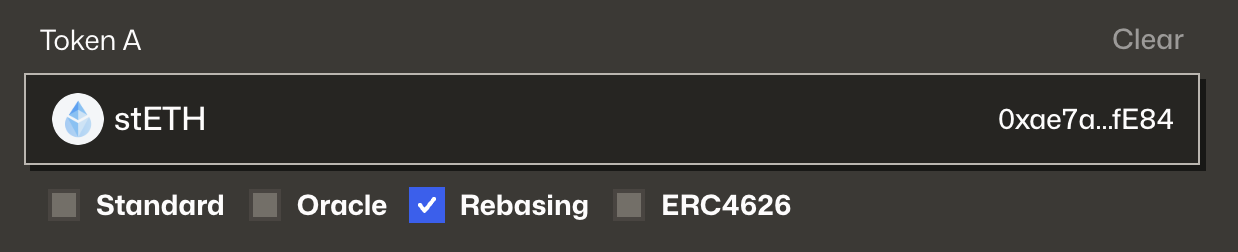
Enable the Rebasing option for tokens whose balances adjust automatically (e.g. stETH). These behave differently from standard ERC‑20s and require special handling in the AMM.
Make sure you understand how rebasing affects pool math and accounting. Unexpected results can occur if treated as a standard token.
ERC‑4626 Vault Tokens
Select ERC‑4626 for tokens that follow the yield-bearing vault standard (e.g. Yearn, Beefy). These represent shares of an underlying asset and must be handled accordingly by the pool.
Some ERC‑4626 implementations may be vulnerable to donation/inflation exploits. Only use well-audited and battle-tested vaults.
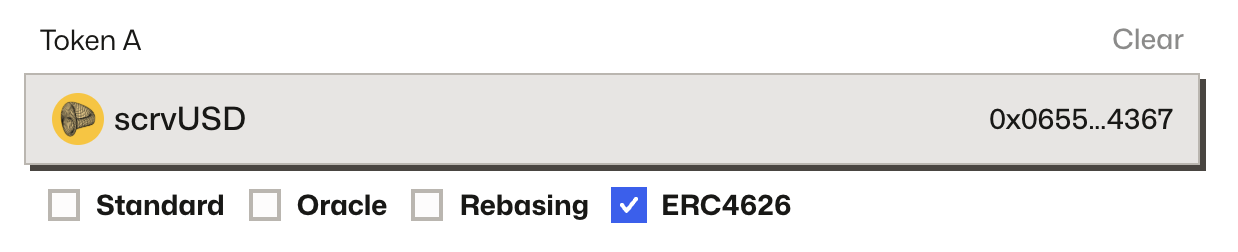
Once you've selected and configured all your tokens, click Next → to continue to the pool parameters.
Step 3: Set Pool Parameters
You can choose a preset configuration or switch to advanced mode to fine-tune the pool's behavior.
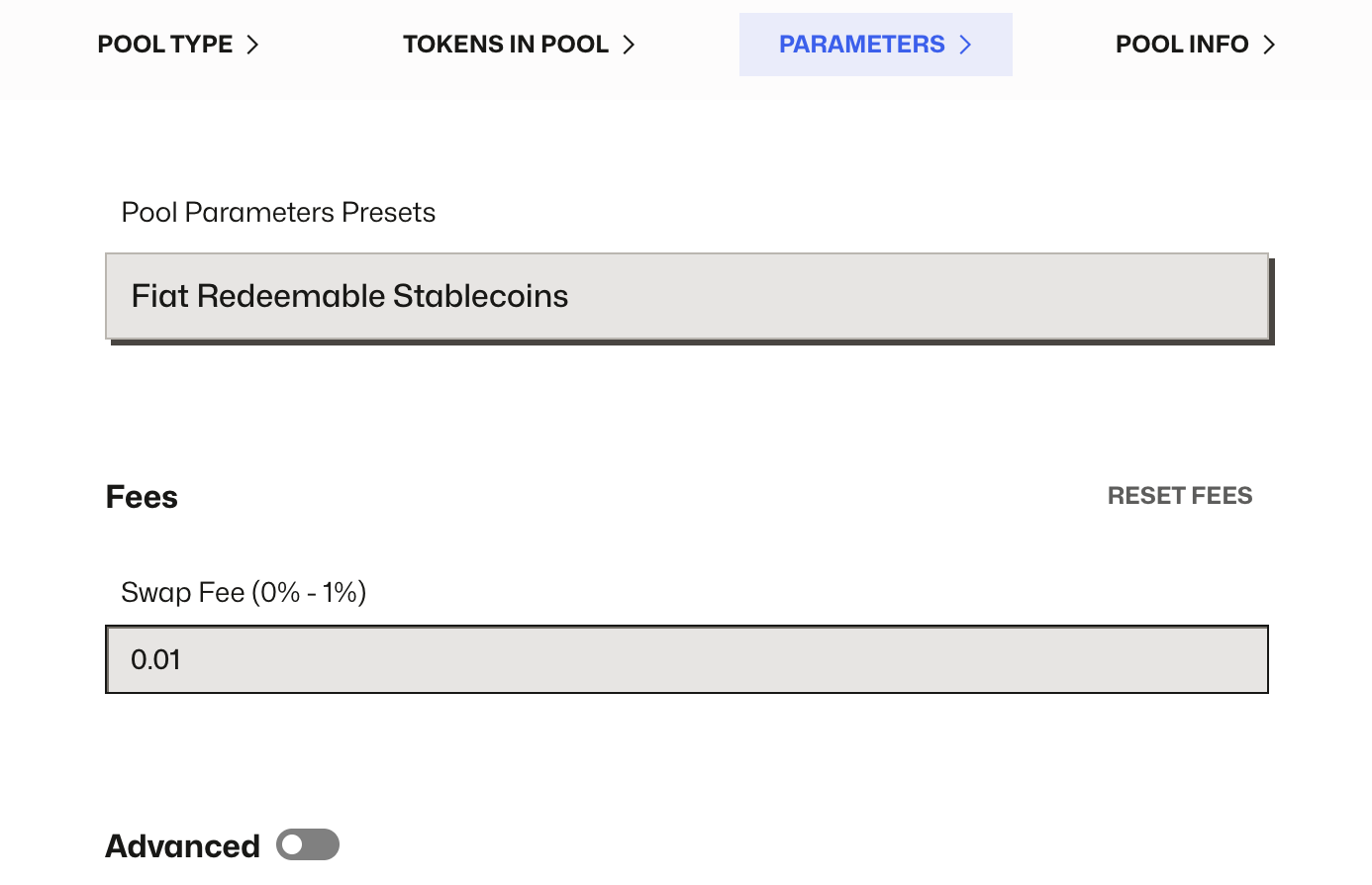
Preset Options
The UI offers three default parameter sets optimized for typical use cases. These are great starting points if you're unsure what values to use.
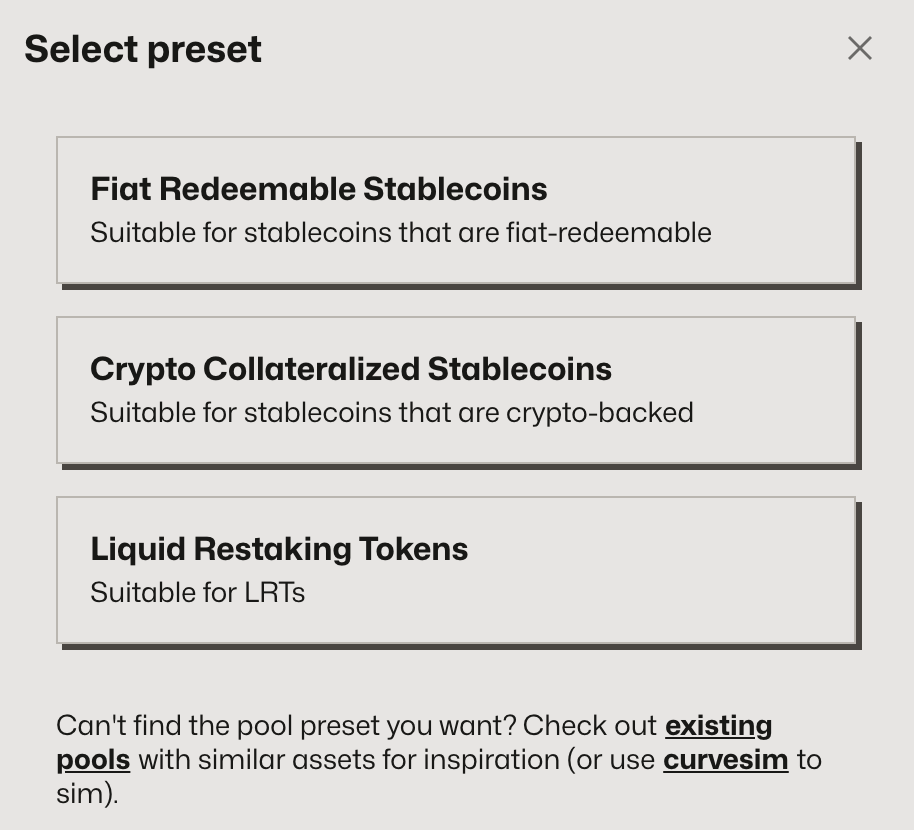
You can use these as-is or switch to Advanced mode to adjust parameters manually.
Advanced Parameters
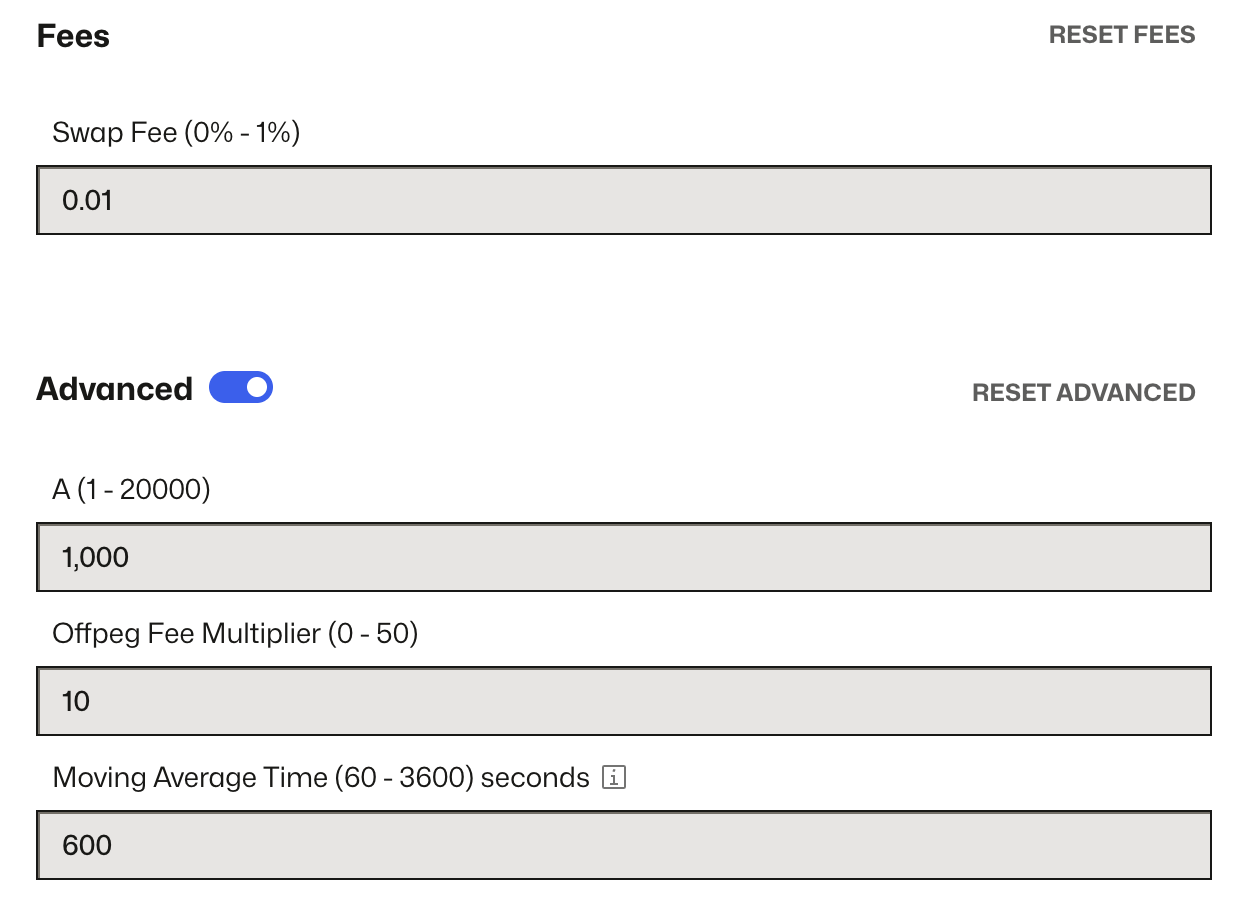
To choose your own parameters, simply toggle on the "Advanced" toggle:
| Parameter | Range | Description |
|---|---|---|
| A (Amplification) | 1 to 10,000 | Controls price stability near the peg. Higher = flatter curve = deeper liquidity. More here: Stableswap A |
| Swap Fee | 0% to 1% | Charged on each swap. Higher fees discourage arbitrage and low-volume trades. |
| Off-peg Fee Multiplier | 0 to 12.5 | Dynamically increases the fee when the pool becomes imbalanced. More here: Offpeg Fee Multipler |
| Moving Average Time | 60 to 3600s | Smooths the oracle price over time to reduce short-term volatility. |
Once you're satisfied with the parameter settings, click Next → to continue.
Step 4: Enter Pool Info
After configuring your parameters, you’ll be prompted to set the Pool Name and Pool Symbol.
These values will be used as the ERC‑20 metadata for the pool’s LP token and will appear in block explorers and in the Curve UI.
- Pool Name – A human-readable label for the pool (e.g.
USDC/DAI/USDT Stable) - Pool Symbol – The LP token symbol (e.g.
3CRV,sUSDeCRV,bUSD3CRV)
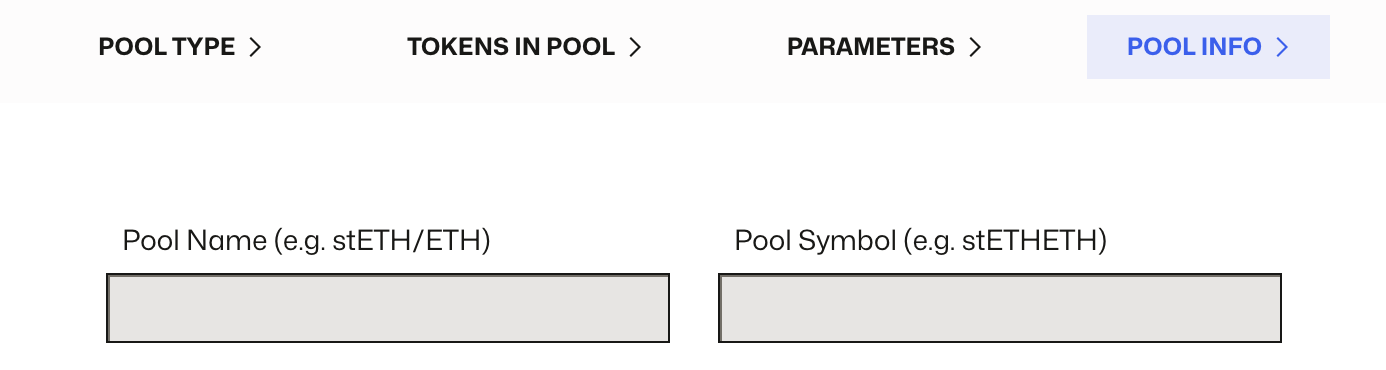
💡 Tip: Use short, clear names that reflect the assets in the pool. For metapools, it’s common to include the base pool symbol (e.g.
sDAI3CRVfor a sDAI/3CRV pool). These fields are immutable after deployment — double-check for typos.
Step 5: Deploy the Pool
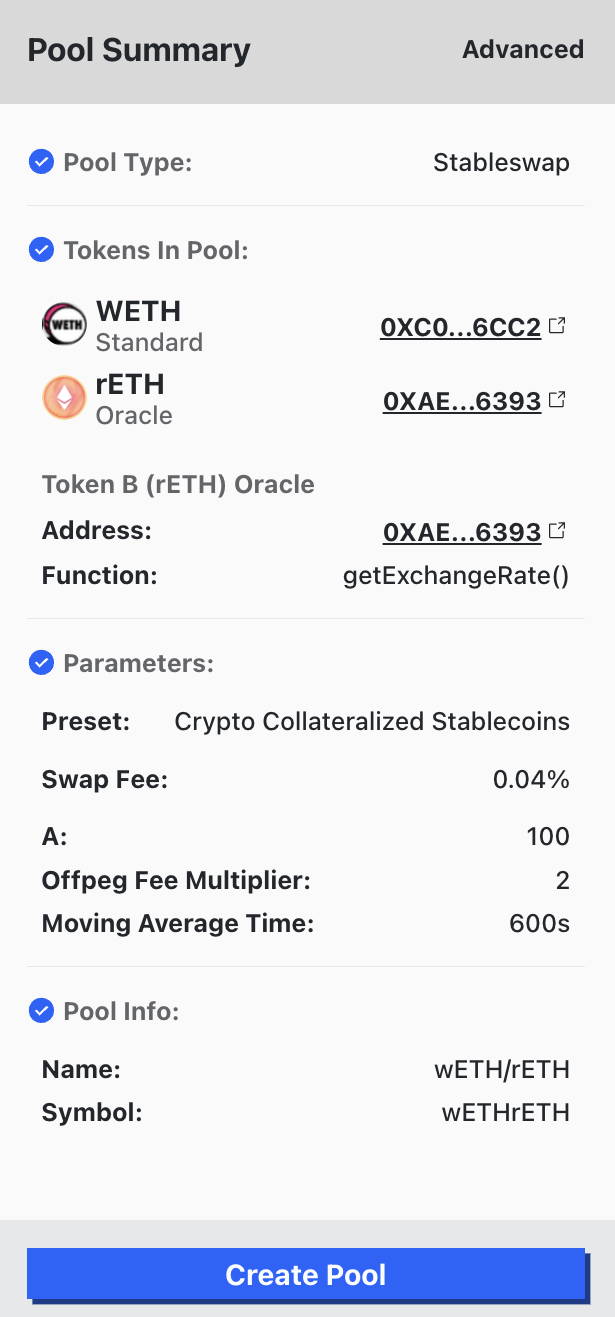
Before deploying, review all your settings in the Summary panel on the right. This includes:
- Selected tokens and their types
- Pool parameters (Swap Fee, A, etc.)
- Pool name and symbol
Once everything looks correct, click the blue Create Pool button at the bottom of the page. Your wallet will prompt you to approve the transaction.
What to do after deployment
✅ Seed initial liquidity — a pool with zero balance cannot process trades.
✅ (Optional) Create a gauge to distribute CRV or other incentives to LPs.